Closed-loop by design
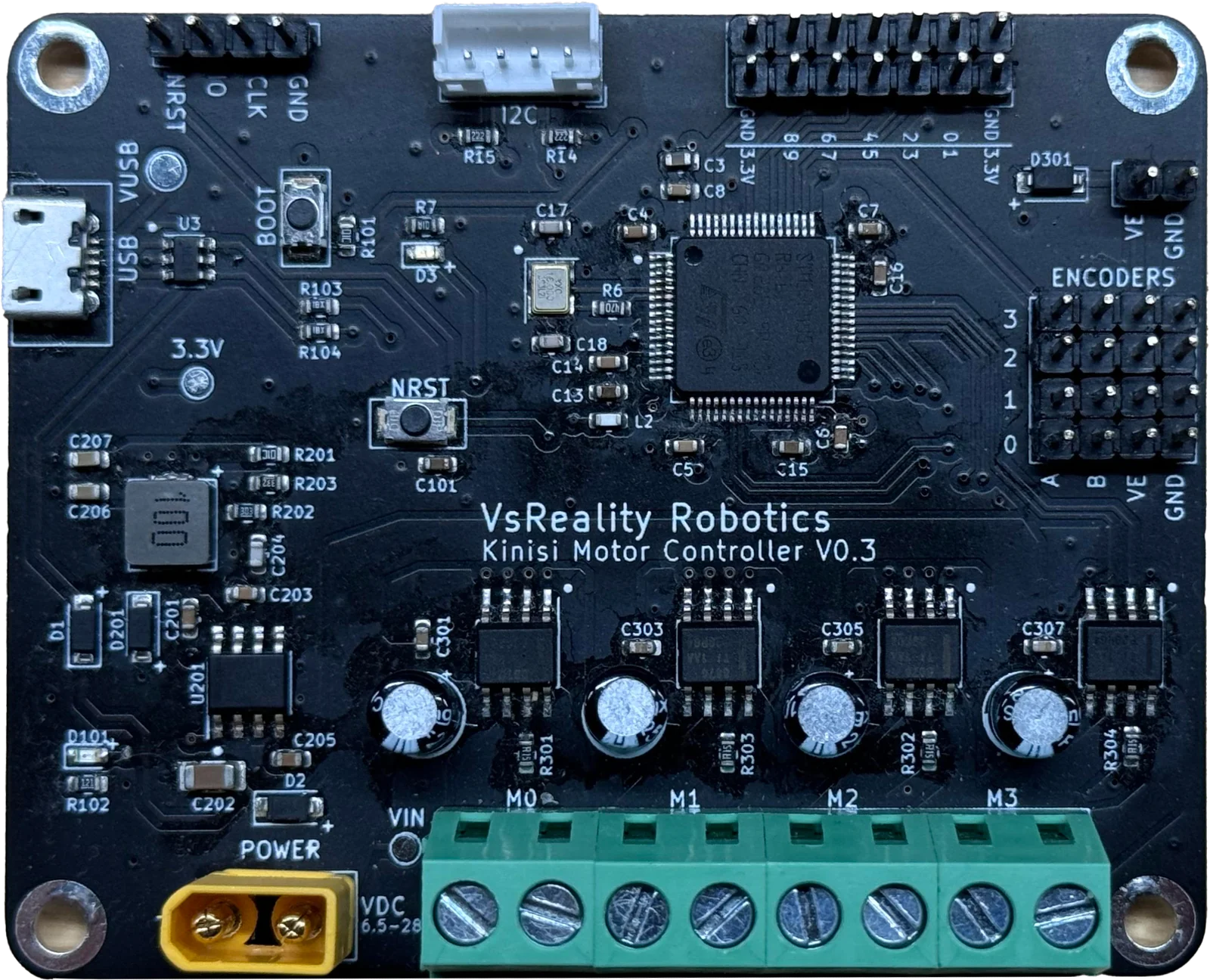
Four motor channels, four encoder inputs. Ask for a speed and the on-board PID loop holds it, correcting as the load on your robot changes instead of leaving you to tune PWM by hand.
Power stage that protects itself
Runs on 6.5–28 V at up to 3.6 A peak per channel, with overcurrent protection, thermal shutdown, undervoltage lockout and automatic fault recovery already built into the board.
Keeps track of where it is
Odometry runs on the controller for single motors and for the whole platform, so you can read back position and heading. GPIO pins are there for limit switches and other sensors.
Control it at the level you want
The same board answers to three layers of commands, so you can start by nudging a single motor and work up to driving a whole robot.
Hardware
Drive motors directly with PWM, read raw encoder counts, and use the GPIO pins for limit switches and other sensors.
Controller
Hand a motor a target speed and the board holds it, running a PID loop against encoder feedback so you do not have to.
Platform
Describe your robot once — differential, omni or mecanum — then drive the whole thing with a single X, Y and rotation command.
Talk to it from your language
One command protocol over USB serial or I²C, with a matching library for each place you are likely to be writing code.
import time
from pykinisi import *

controller = KinisiController()
controller.connect("COM3")

motor = MotorIndex.Motor0

# Spin the motor at 40% for five seconds.
controller.initialize_motor(motor, False)
controller.set_motor_speed(motor, 40)
time.sleep(5)
controller.stop_motor(motor)
pykinisiPublished on PyPI. The quickest way to script the board from a laptop or a Raspberry Pi.
View on PyPI →jskinisiTalks to the controller straight from the browser over Web Serial. It powers the web client.
View on GitHub →ArduinoKinisiDrive the controller over I²C from a sketch, for robots with no computer on board.
View on GitHub →No code needed to start
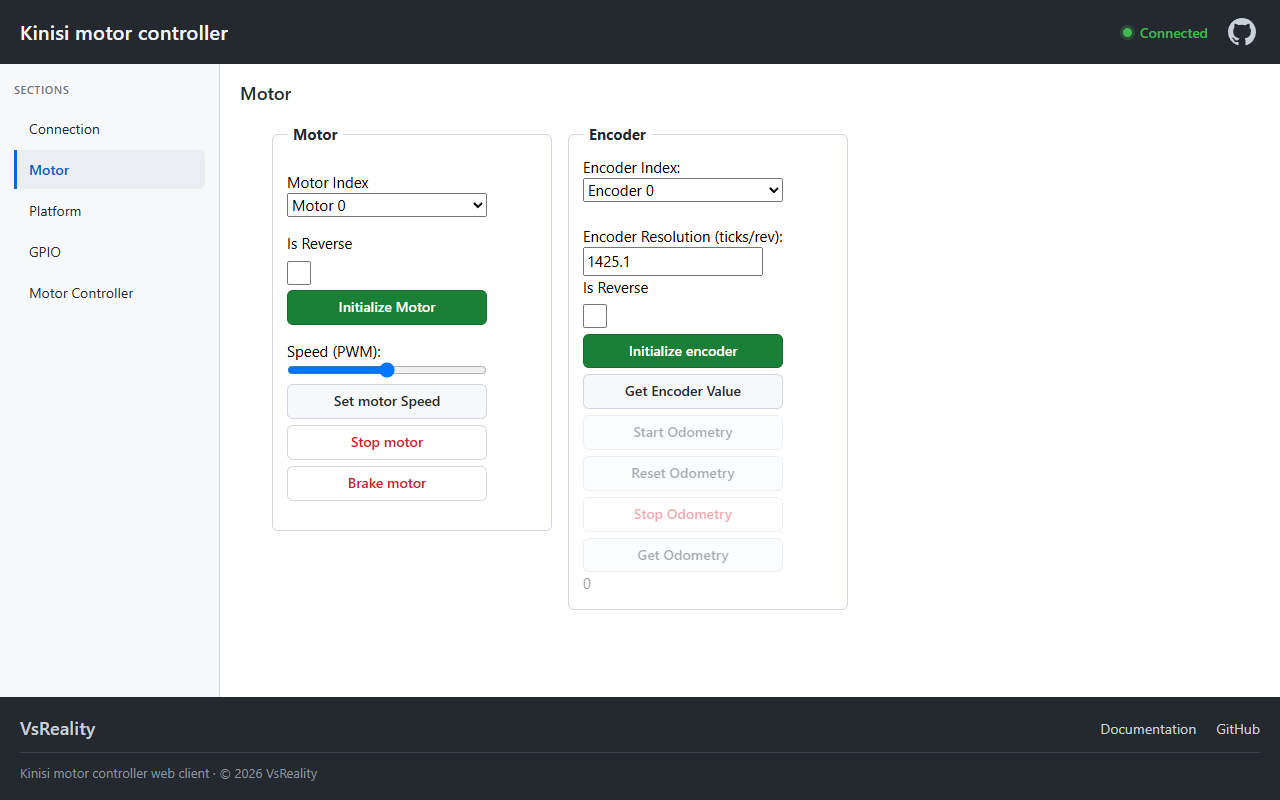
Plug the board into a USB port and open the web client. It runs entirely in the browser over Web Serial, so there is nothing to install and the connection never leaves your machine. Tune motors, check encoders, drive a platform from the keyboard, and watch the PID loop settle on a live chart.